Choose what feels difficult
Low mood, anxious thoughts, poor sleep or trouble focusing. Get to practical support directly from Home.
Women’s health · A first look at 3.0
Find support for how you feel. Remember what helped. Bring a clearer picture to your next care conversation.
For changing cycles, perimenopause, menopause
and the everyday things you’re carrying.
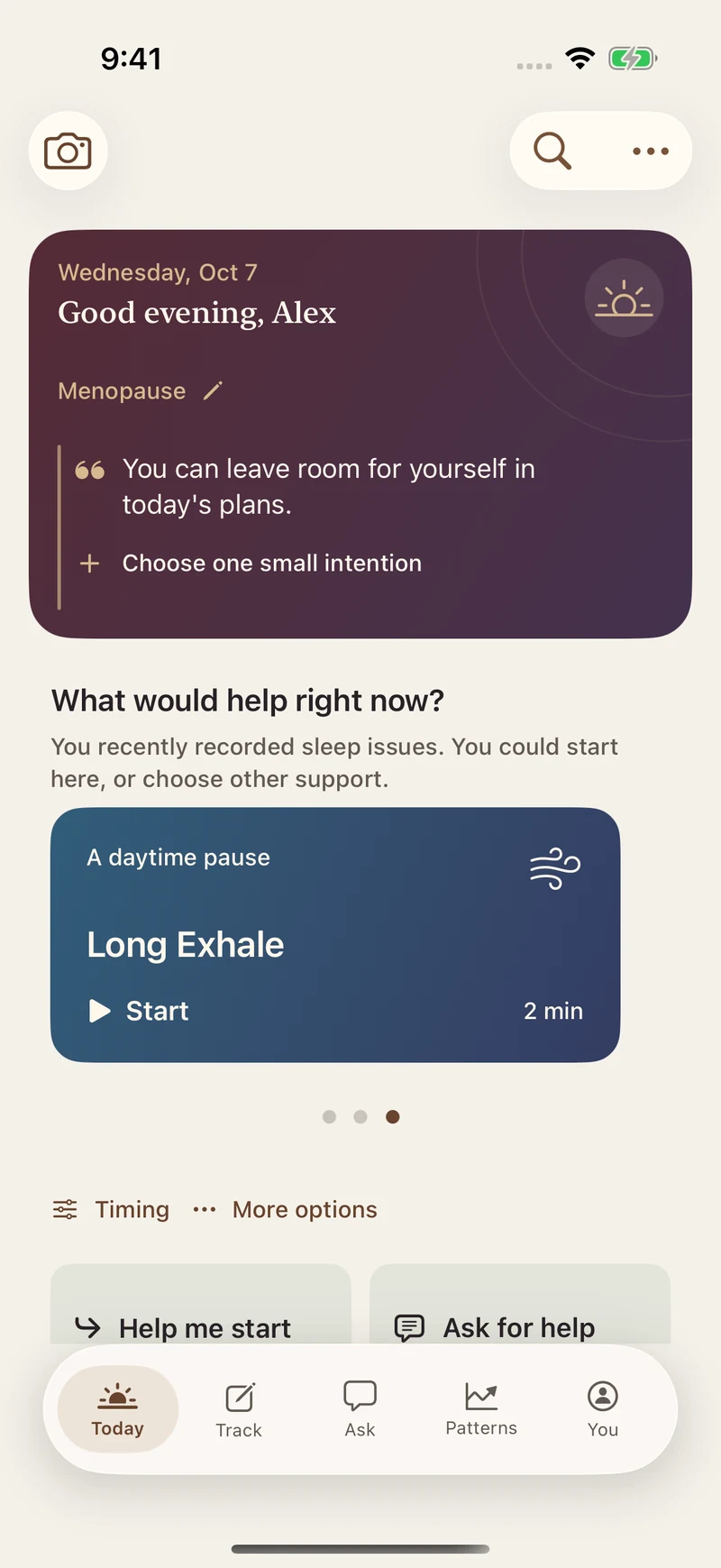
Help for now. A record when you want one. Something useful to return to.
A simpler way through
You don’t need to track a perfect week to begin. Choose what matters today and leave the rest.
Low mood, anxious thoughts, poor sleep or trouble focusing. Get to practical support directly from Home.
Pick a manageable step, including lower-effort options. Keep it for later or just record how you feel.
If you want, say how it went. Reopen a helpful step, try an alternative, or prepare a question for care.
Your words, within reach
A change you noticed. A question you don’t want to forget. Something that made the afternoon easier. Keep it in Notes.
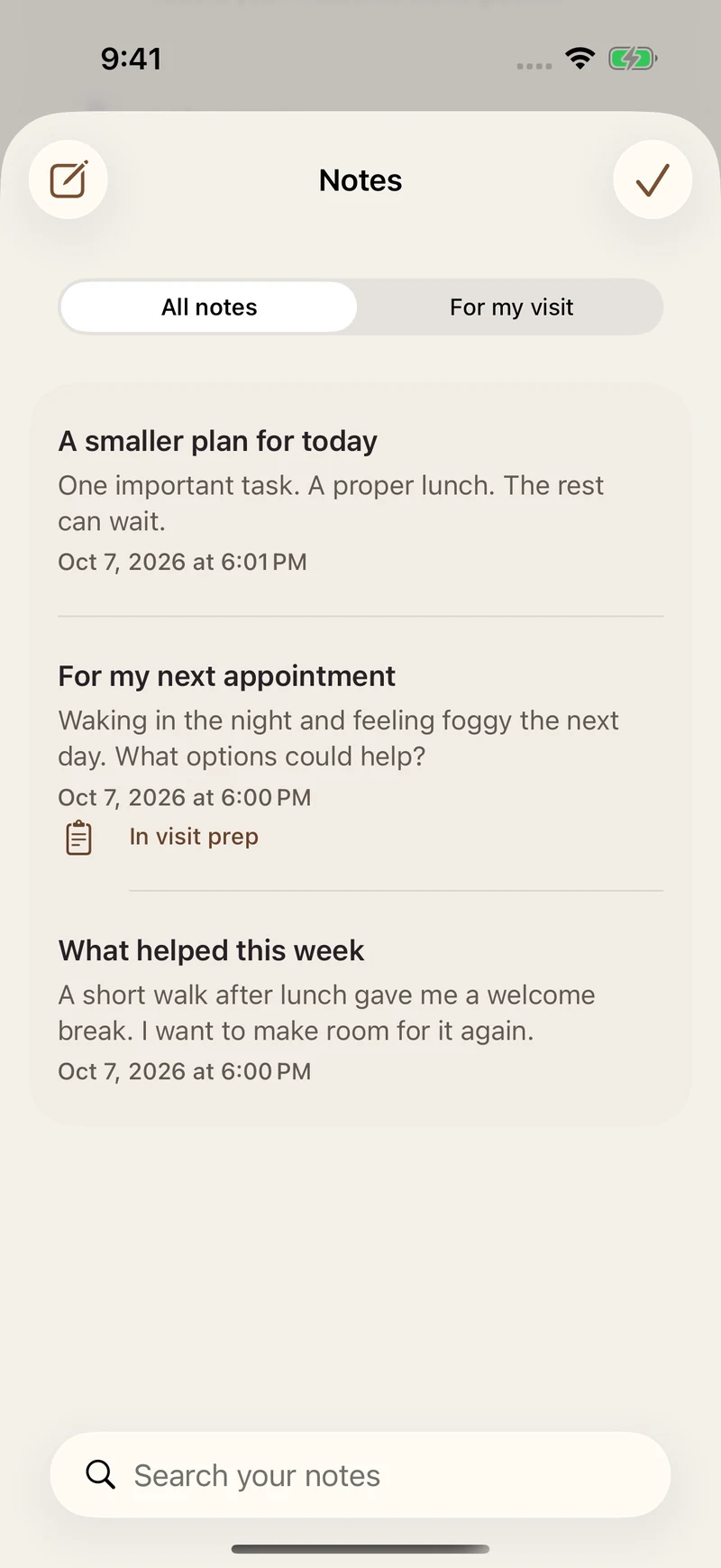
Actual app screen · Example notes
Everyday care, connected
Your life stage and recorded concerns give context. You choose which tools belong in your day.
Food & drinks
Find a food plan, keep a meal photo, or record water, coffee and tea. Review and edit food details before saving.
HRT & medicines
Keep treatment details, label photos and reminders together. Record what you take and bring questions to your clinician.
Patterns & experiments
Review symptoms, daily records and available Apple Health readings. Try one daily change and record your experience.
Visit prep
Gather useful history and the notes you choose into a shareable summary. Decide what to discuss and what to share.
A closer look
Ten current app screens, with example records. Swipe or use the arrows to explore. Open any screen for a closer look.
Start a manageable step, without a required check-in.
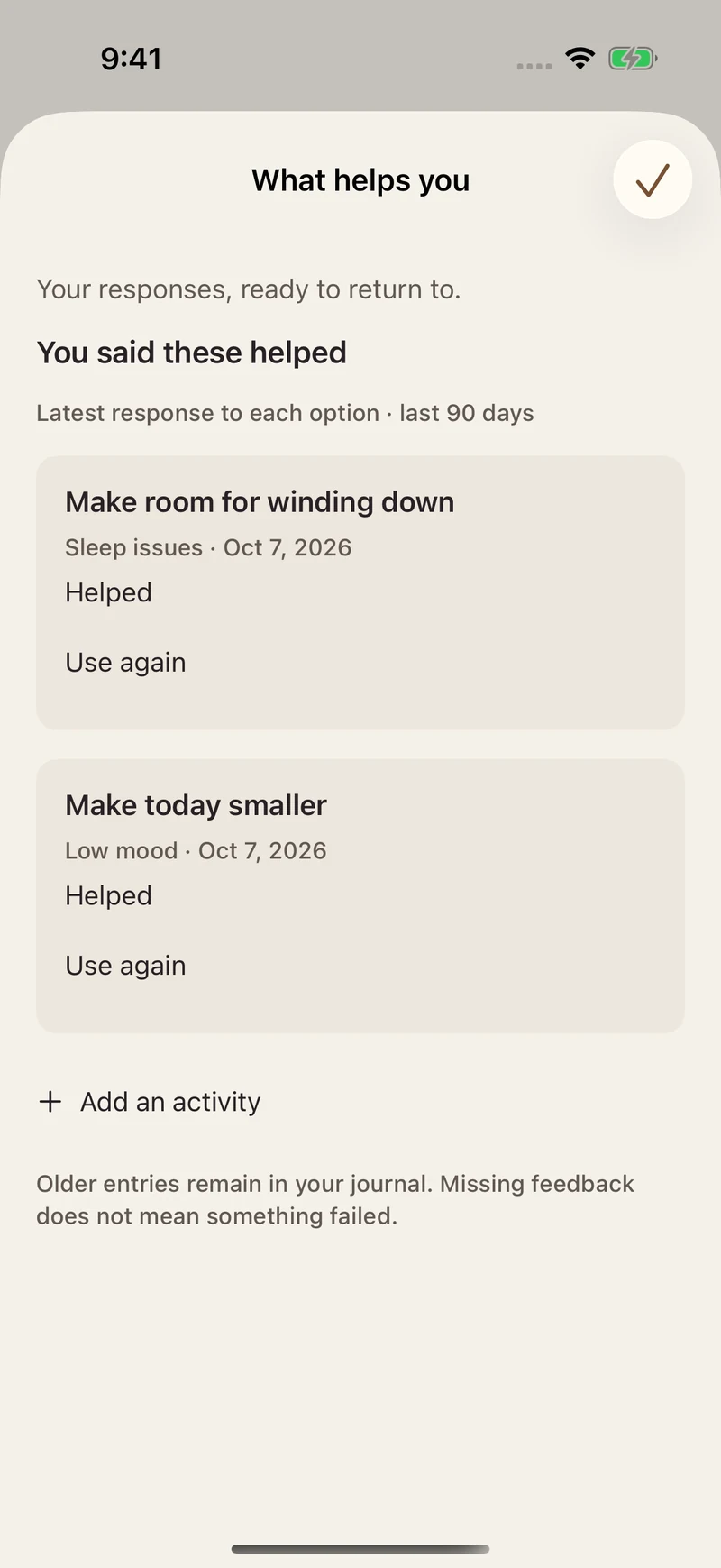
Reopen a step you found useful. Add your own, too.
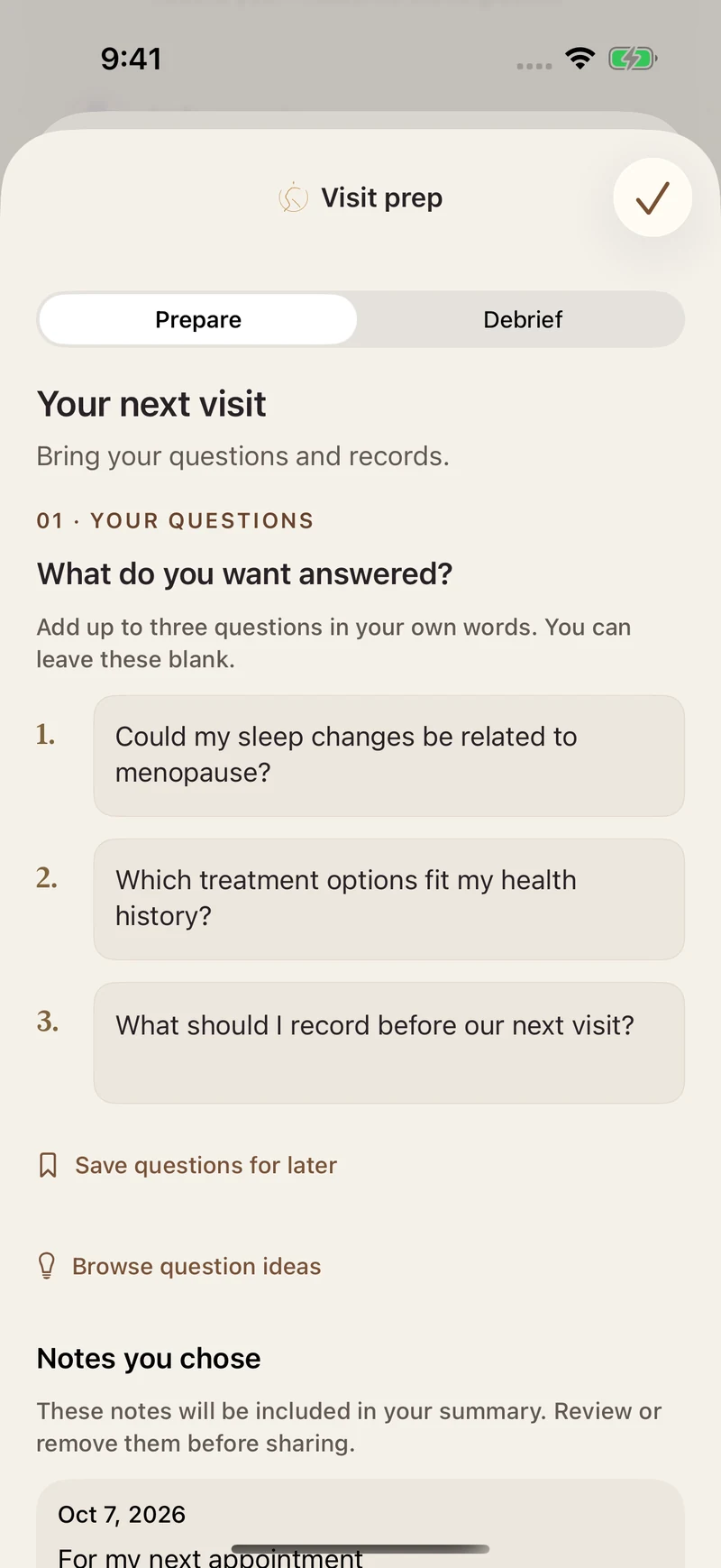
Your questions and chosen notes, ready to review.
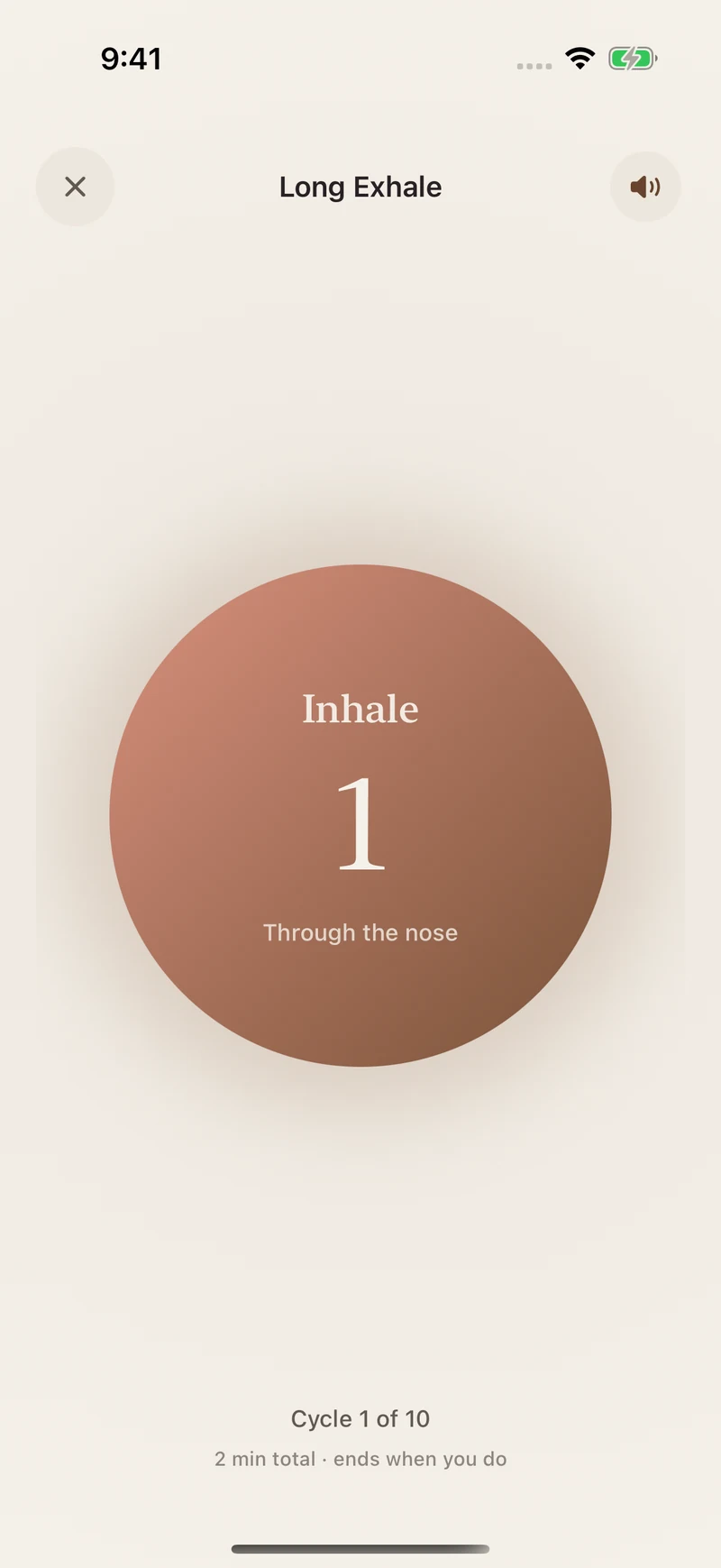
Follow a guided breathing practice at your own pace.
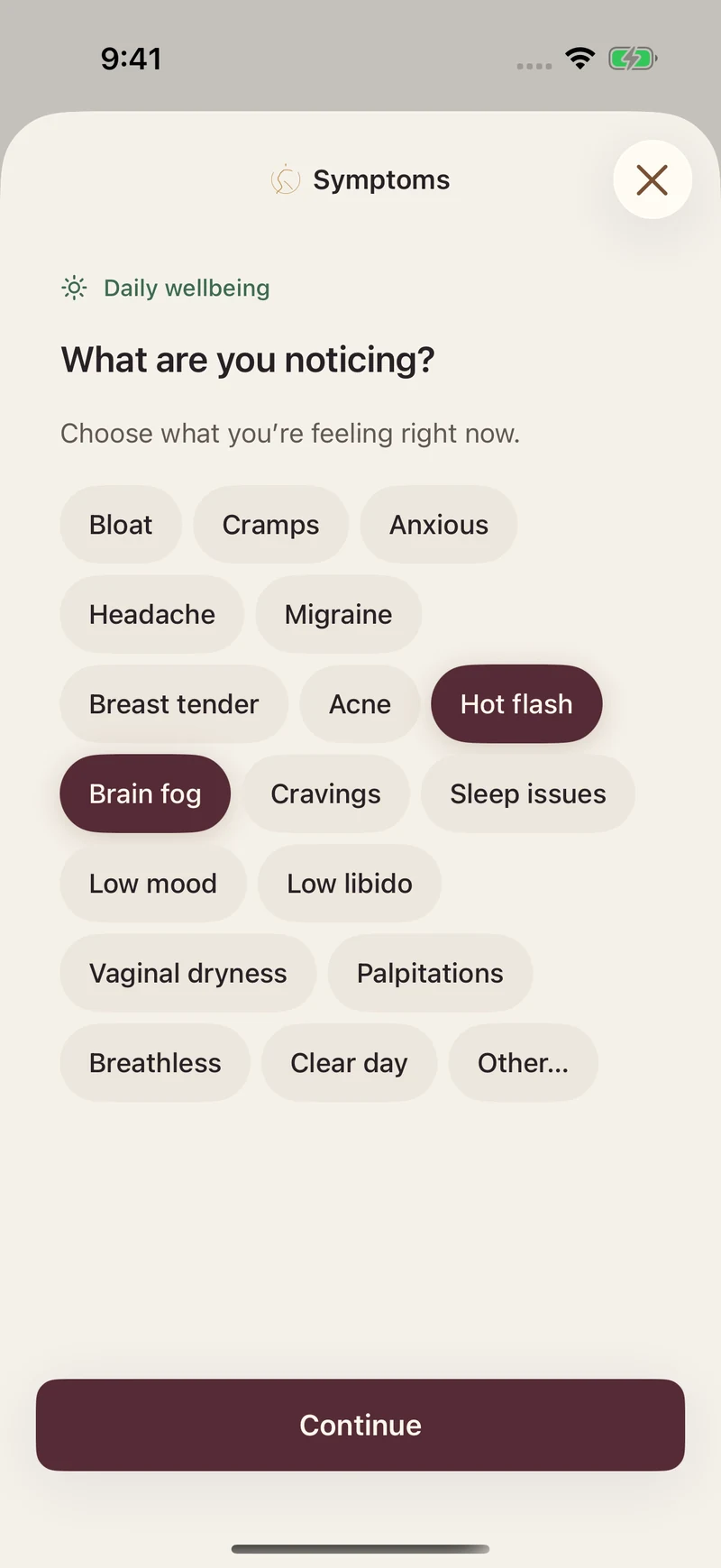
Choose the symptoms that matter to you today.
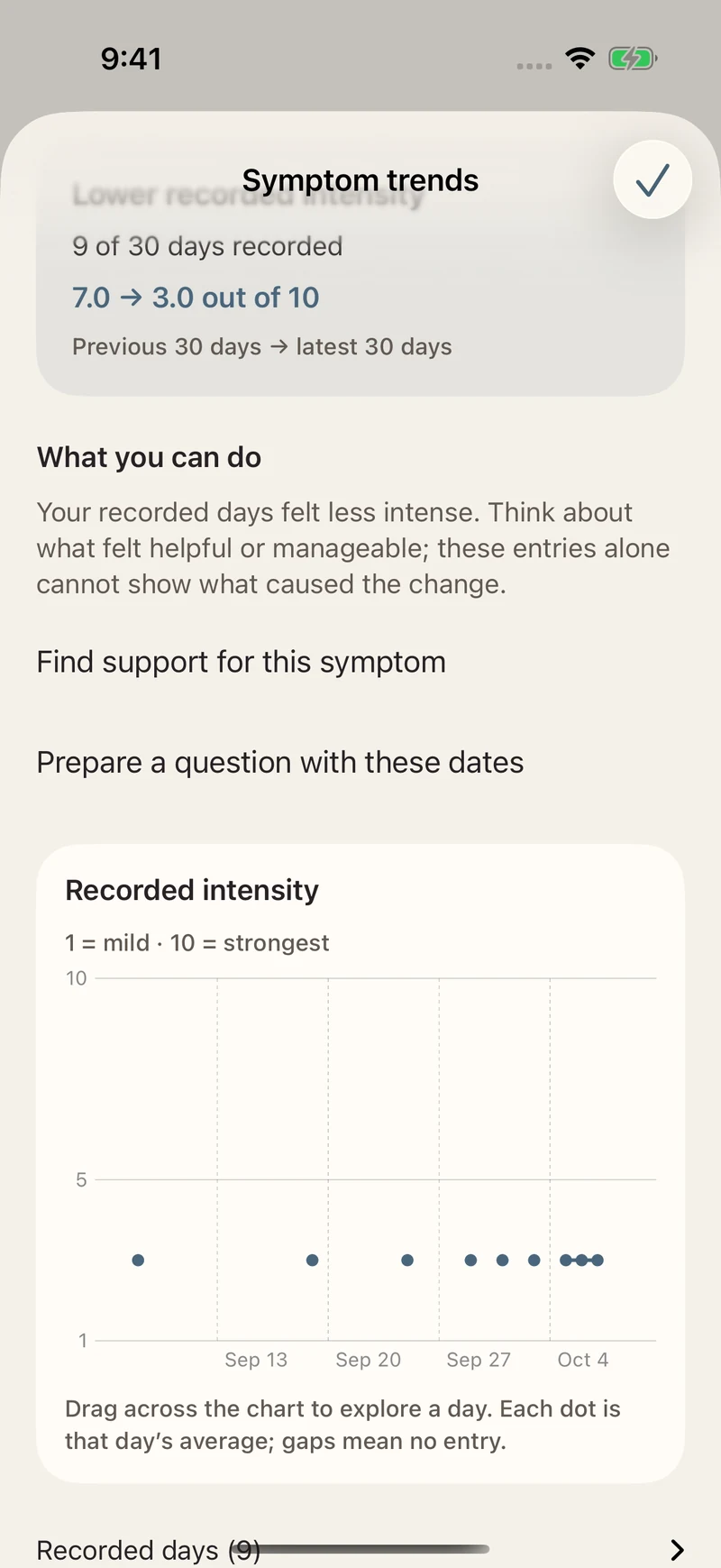
Review your history without filling in missing days.
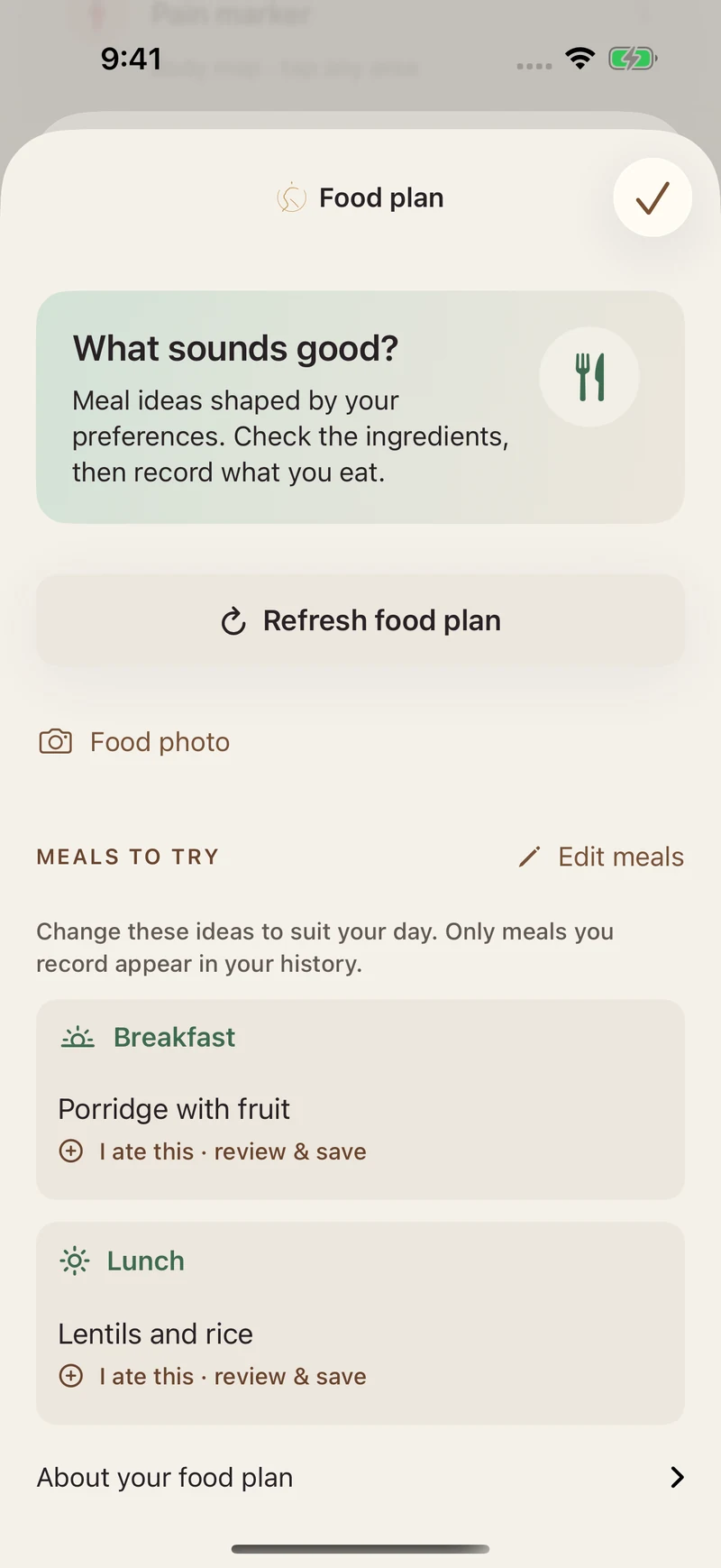
Meal ideas you can review and edit before saving.
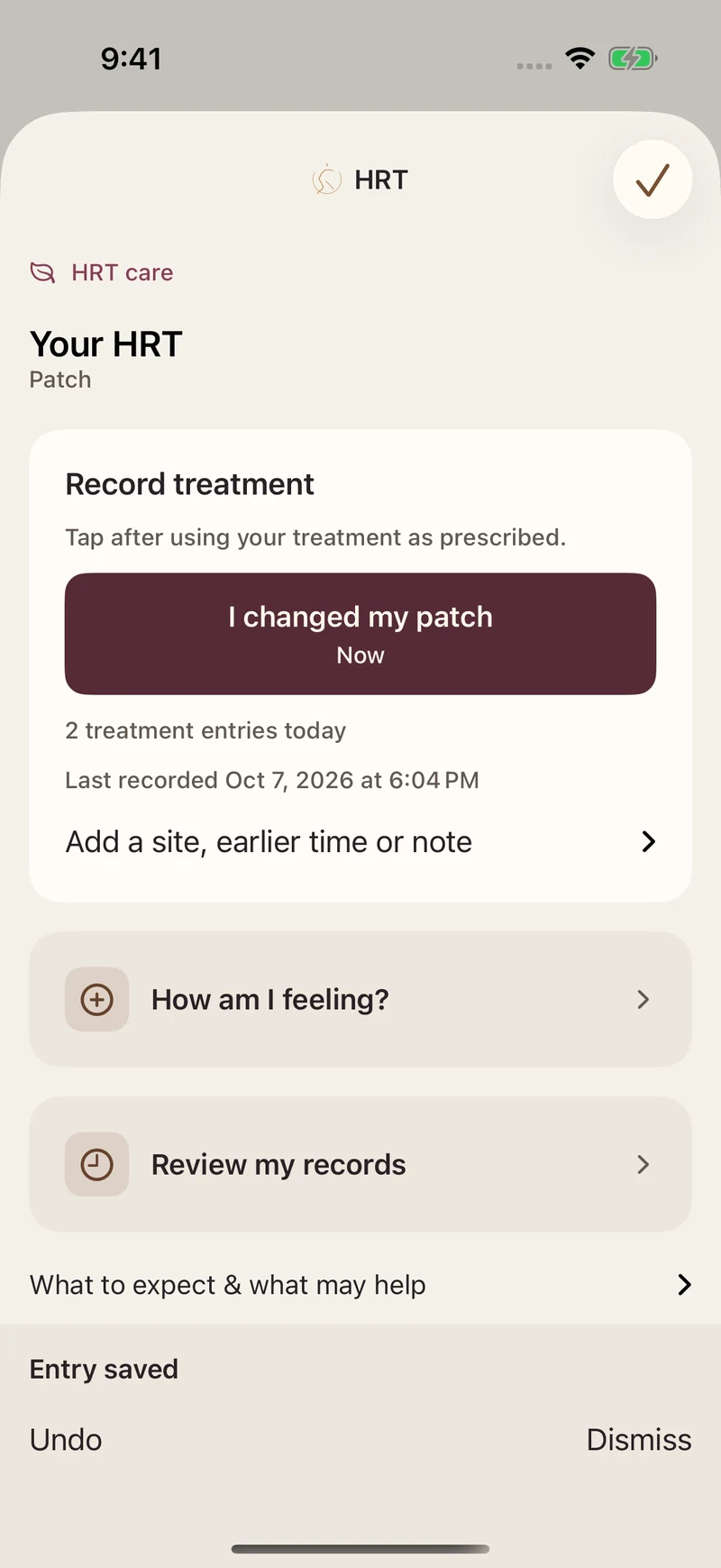
Keep prescribed treatment records and questions together.
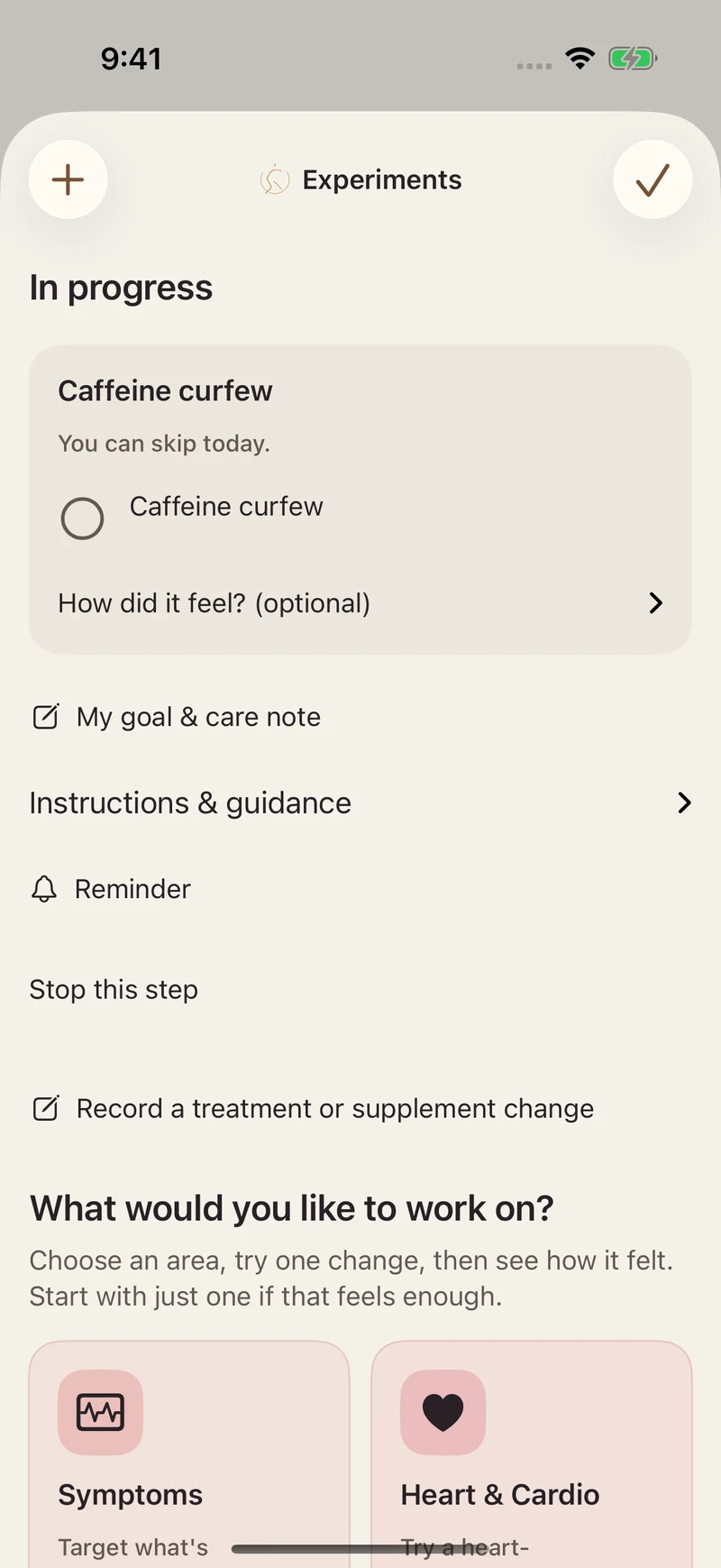
Keep a personal goal and notice how it went.
Search your notes and choose what goes into Visit Prep.
At home. On your wrist.
Explore the current iPad and Apple Watch designs. Actual app screens, with example content.
Open your daily support and everyday tools on a larger screen.
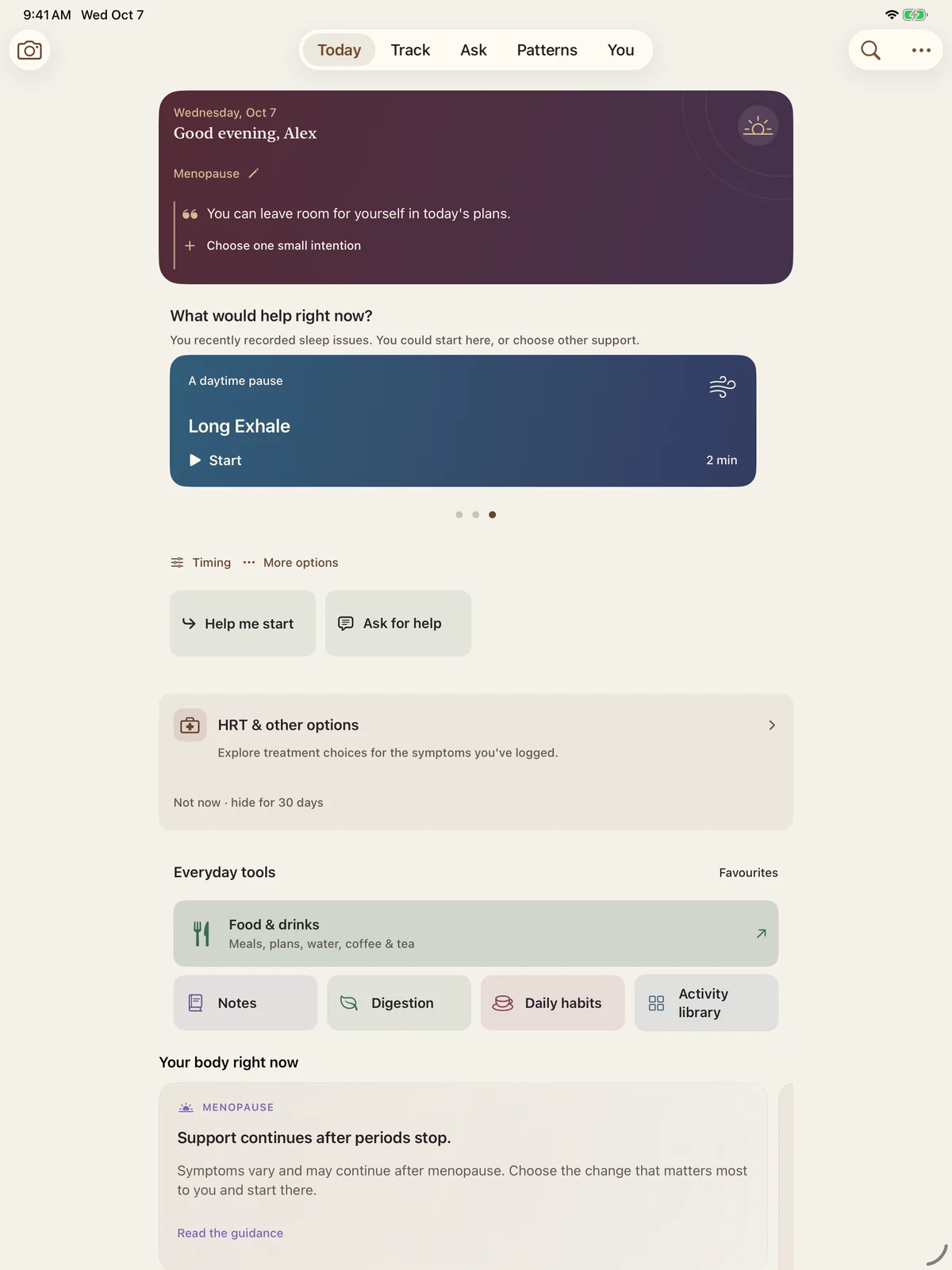
Apple Watch
Open Breathe from Today. Follow a gentle rhythm, and stop whenever you want.
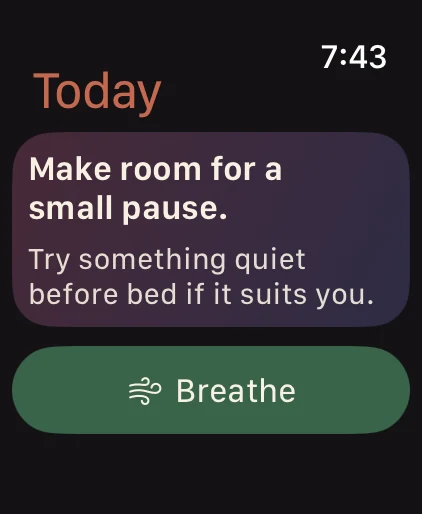
Saving a completed pause to Apple Health is optional.
Permission is part of the design
The upcoming release removes third-party usage tracking. Your records stay yours to manage. See the privacy details, including earlier versions.
Bring in the readings you choose to share. Available data adds context; missing readings are not a score against you.
On supported devices, Kriva can use Apple’s on-device model to select useful recorded highlights. External AI is a separate, optional choice.
See it in action
Two short walkthroughs. Play when you want; each makes sense with sound off.
Home → a guided breathing pause. 23 seconds.
Write a note → choose it for Visit Prep. 25 seconds.
Demonstration records · Some features require Kriva+ after the welcome week.
Coming in Kriva 3.0
Explore all features during your first seven days, without a payment to start. After the welcome week, some features require Kriva+.
3.0 is not released yet. Availability and current offers are shown in the app.